FREE Open-source · AES-256 · zero telemetry

Never lose a

again.

SQLBackup quietly dumps, compresses, AES-256-encrypts and ships your databases offsite — on a schedule you set once. Then restores them in minutes when it counts.

Download free
Last backup 2 min ago — analytics · 612 MB · encrypted ✓
AES-256 VAULT
0 backups
PostgreSQL/ MySQL/ MariaDB/ SQL Server/ MongoDB/ Amazon S3/ Wasabi/ SFTP/ AES-256-GCM/ Cron schedules/
03:47 a.m. · the same mistake

One DROP TABLE. Two very different mornings.

A migration runs one line too far and wipes a core table in production. What happens next comes down to a single thing — whether last night's backup exists.

Without backups

The night unravels
  • 03:47

    The table is goneOrders wiped in production. Stomach drops.

  • 03:48

    "Where's the backup?"The nightly cron has failed silently for weeks.

  • 04:30

    Manual scrambleStitching fragments from a stale export.

  • 09:00

    Customers noticeMissing orders, support on fire, trust gone.

Data lost. A very long week begins.
vs

With SQLBackup

A nine-minute incident
  • 03:47

    The table is goneSame mistake, same jolt of panic.

  • 03:48

    sqlbackup restoreLast night's encrypted backup is right there in S3.

  • 03:52

    Decrypted & verifiedAES-256-GCM integrity passes; data decompresses clean.

  • 03:56

    Back onlineRestored to a fresh DB, verified, promoted.

Back to sleep. Crisis averted.
Why it matters

It's not if a database dies. It's when.

Data loss almost never comes from one dramatic event — it's a dozen ordinary ones. SQLBackup is the safety net under all of them.

Threat level

Most teams are one bad query from a very long night.

Hardware, humans, ransomware, regions — the failure modes stack up. A monitored, encrypted, offsite backup neutralises every one of them.

Unprotected exposure92%

Human error

A wrong WHERE, a bad deploy, a fat-fingered delete. The #1 cause.

Hardware fails

Disks die and VMs vanish — usually without warning.

Ransomware

Attackers encrypt your live DB and nearby backups.

Region outage

"It's in the cloud" isn't a strategy — clouds lose data too.

"We had backups…"

…that silently broke months ago, were never tested, or nobody knew how to restore. An untested backup doesn't count — SQLBackup logs every run and makes restore one command.

Plaintext dumps

Bare .sql files are a breach waiting to happen.

No history

You can't restore to a point you never captured.

How it works

From nothing to protected, before your coffee's cold

Three steps — simple enough for a first-timer, powerful enough for a fleet of servers.

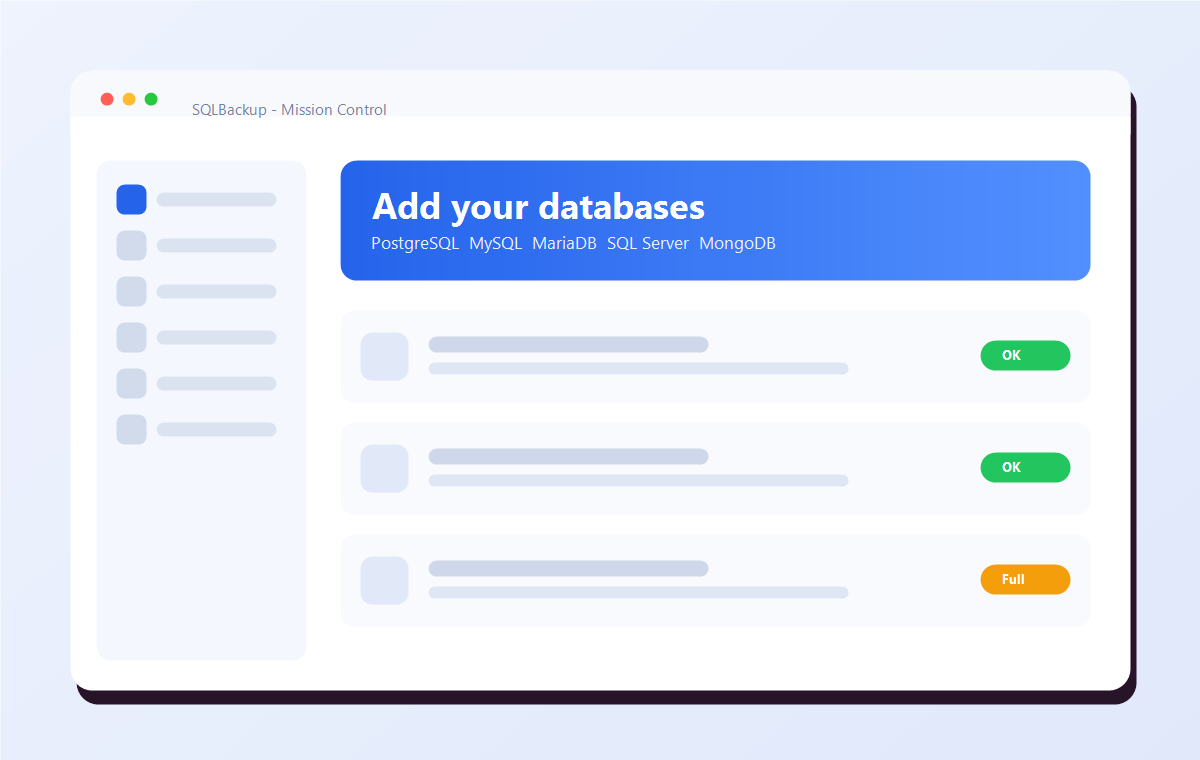
SQLBackup screen for adding and testing database connections
Connection OK
STEP 01

Add your databases

Point SQLBackup at PostgreSQL, MySQL, MariaDB, SQL Server or MongoDB and run a one-click connection test. Passwords live in environment variables, never on disk.

5 enginesConnection testEnv secrets
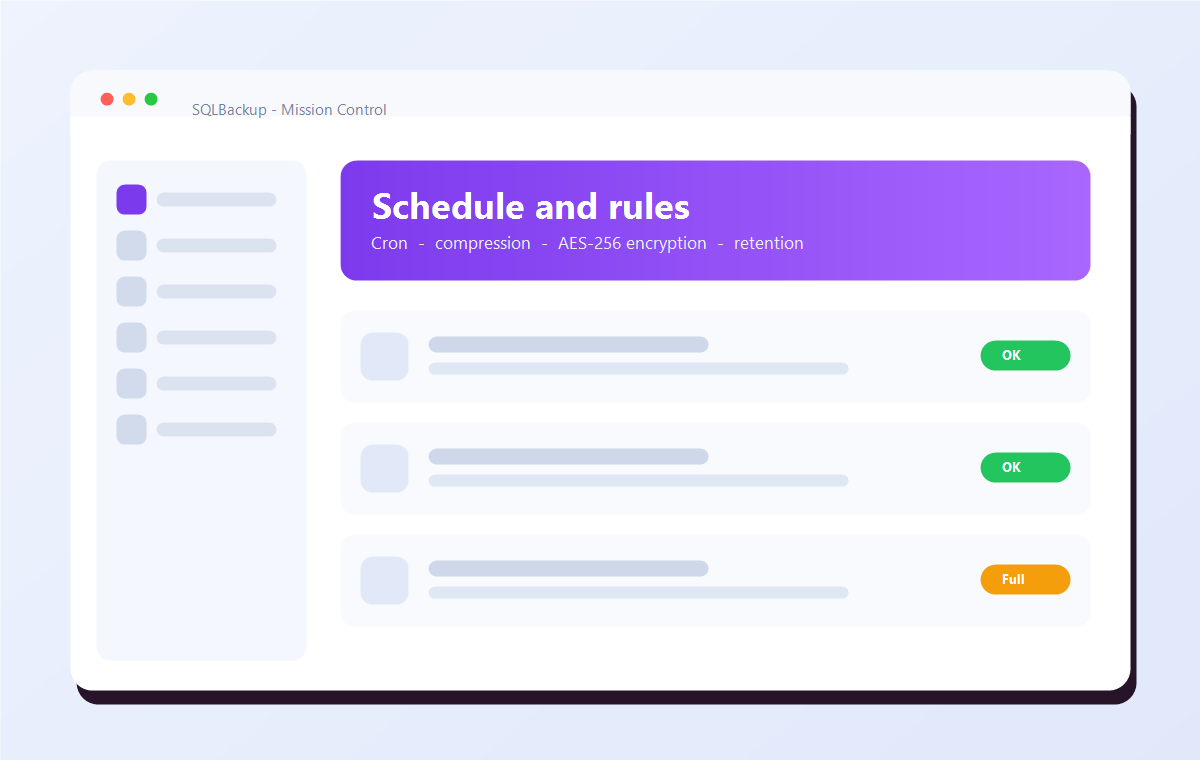
SQLBackup screen for setting a schedule, compression and encryption
Encrypt: on
STEP 02

Set the schedule & rules

Pick a cron schedule, choose full / differential / log, toggle compression and AES-256 encryption, and decide how long to keep copies — independently per destination.

CronCompressEncryptRetention
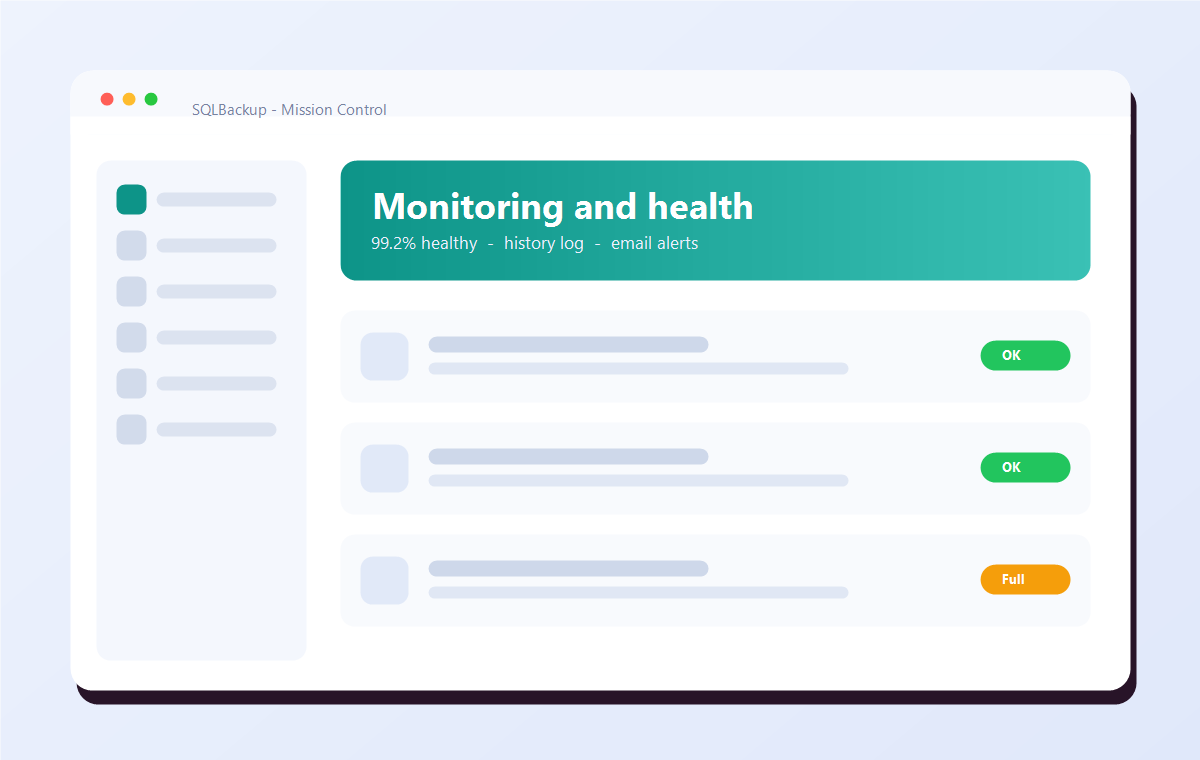
SQLBackup monitoring dashboard showing backup health
99.2% healthy
STEP 03

Run the agent & relax

SQLBackup runs continuously — firing each job on time, shipping offsite, pruning old copies, logging every result, and emailing you the moment something needs attention.

Auto-runEmail alertsHistory
Full walkthrough
Inside one backup

Watch a backup ride the pipeline

Every backup streams through four stages — nothing is ever fully loaded into memory. Click a stage to dig in.

1 · Dump
native tools
2 · Compress
streaming gzip
3 · Encrypt
AES-256-GCM
4 · Ship
local · S3 · SFTP
Everything in the box

No upsells. No feature gates. Just backups done right.

One tool for your whole stack

PostgreSQL, MySQL, MariaDB, SQL Server (incl. Azure SQL & RDS) and MongoDB — each backed up with its own official, vendor-blessed dump tools. Full backups everywhere; differential & transaction-log for SQL Server.

  • pg_dump
  • mysqldump
  • mongodump
  • native SQL Server backup

Encrypted before it leaves your machine

Authenticated AES-256-GCM with a scrypt-derived key, applied client-side and streamed chunk-by-chunk. Your storage provider only ever sees ciphertext — and tampering is detected on restore.

  • scrypt KDF
  • per-chunk nonce
  • any file size
  • keys from env

Store it anywhere

Local/NAS, Amazon S3, S3-compatible clouds, and SFTP — fan out to several at once.

Set-and-forget schedules

A continuous cron scheduler runs each job on time and keeps going as an agent.

One-command restore

Download, decrypt, decompress and rebuild — into a fresh database so you can verify first.

History & health

Every run logged to a local database, surfaced as a health % and a "needs attention" list.

Retention policies

Keep last-N or N-days — configured independently per destination.

Email alerts

Know the moment a backup fails (and optionally on success) over SMTP/TLS.

sqlbackup · encrypt
Plaintextanalytics_full_20260627.dump.gz
scrypt(password, salt) → 256-bit key · fresh nonce
Ciphertext
FormatMAGIC(9) · SALT(16) · [ LEN · NONCE(12) · CT+TAG ] × N
256-bitAES key
96-bitnonce / chunk
64 KBchunk size
Security you can verify

Your keys. Your data. Nobody else's.

scrypt key derivation

Your password becomes a 256-bit key via scrypt with a random per-file salt — slow to brute-force by design.

Per-chunk authentication

GCM tags mean a corrupted or altered backup fails to decrypt — loudly — instead of restoring garbage.

Zero telemetry, no middleman

No account, no phone-home. Data goes straight from your machine to your storage. We can't read it because it never touches us.

Read the security model
Why trust it with your most critical data

Built by people who've been burned by a missing backup

01 — EXPERIENCE

Forged on real 3 a.m. pain

SQLBackup grew out of restoring production databases at the worst possible hour. Every default reflects a lesson learned the hard way, so it's safe even untouched.

Battle-tested defaults
02 — EXPERTISE

Standard tools, standard crypto

It leans on each engine's official dump tools and a mature, audited cryptography library — AES-256-GCM and scrypt — never home-grown shortcuts.

Native tools · audited crypto
03 — AUTHORITATIVENESS

Open and verifiable

MIT licensed and fully open-source. The encryption format and every line of backup logic is public — audit it, fork it, or contribute. Nothing hidden in a black box.

MIT · 100% open source
04 — TRUSTWORTHINESS

You hold the keys

No telemetry, no account, no cloud middleman, no master key. Credentials stay in your environment; backups go straight to your storage. There's no backdoor — by design.

No phone-home · no backdoors

Protect your databases tonight

Free, open-source, and running in minutes. Set one schedule and your databases are encrypted and shipped offsite — automatically.

MIT licensed No telemetry Free forever